



 Amd GPU
 4k Gaming Monitor





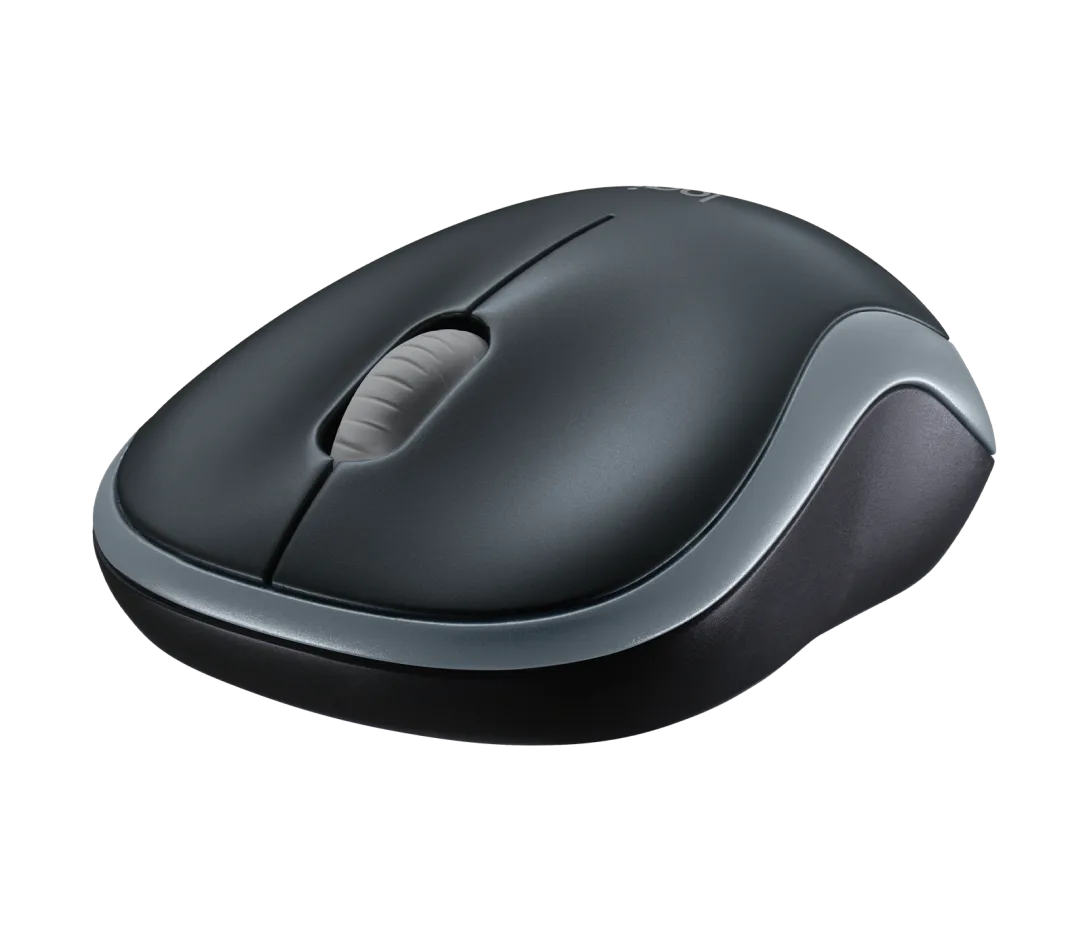
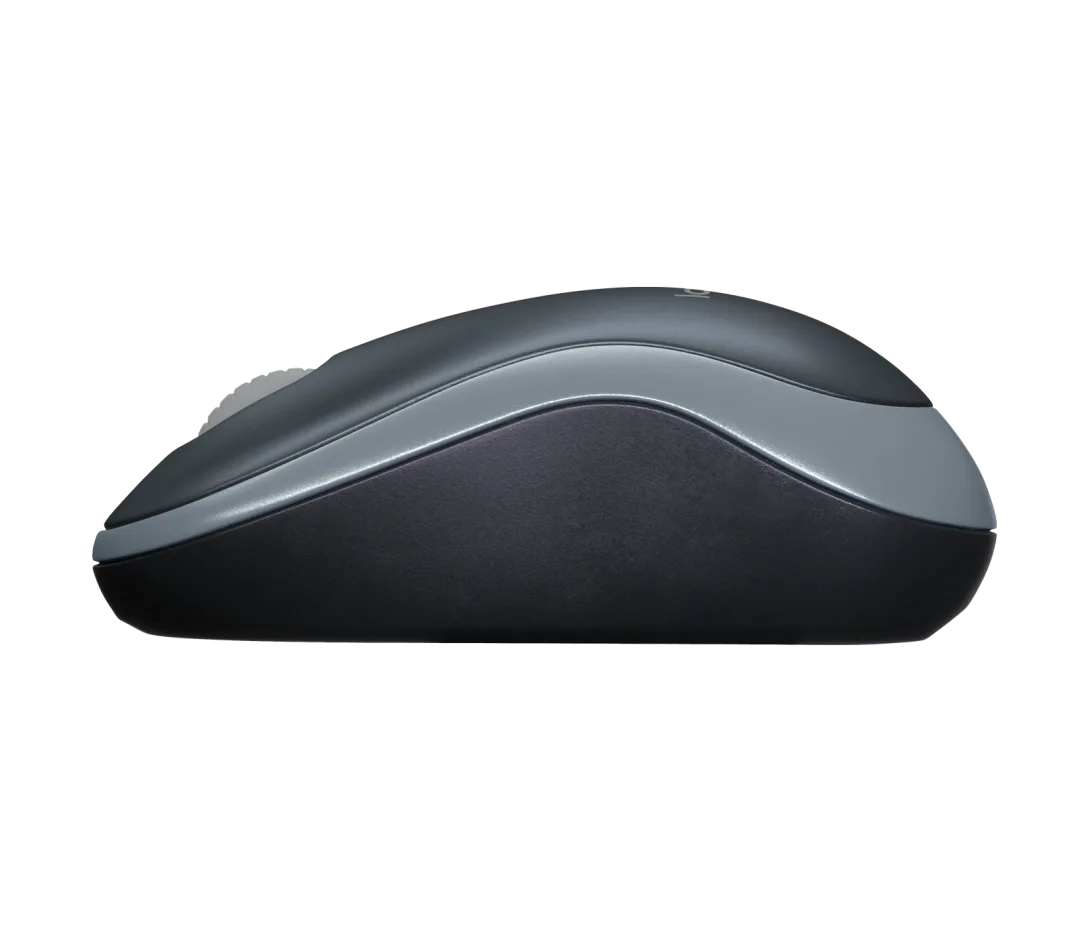
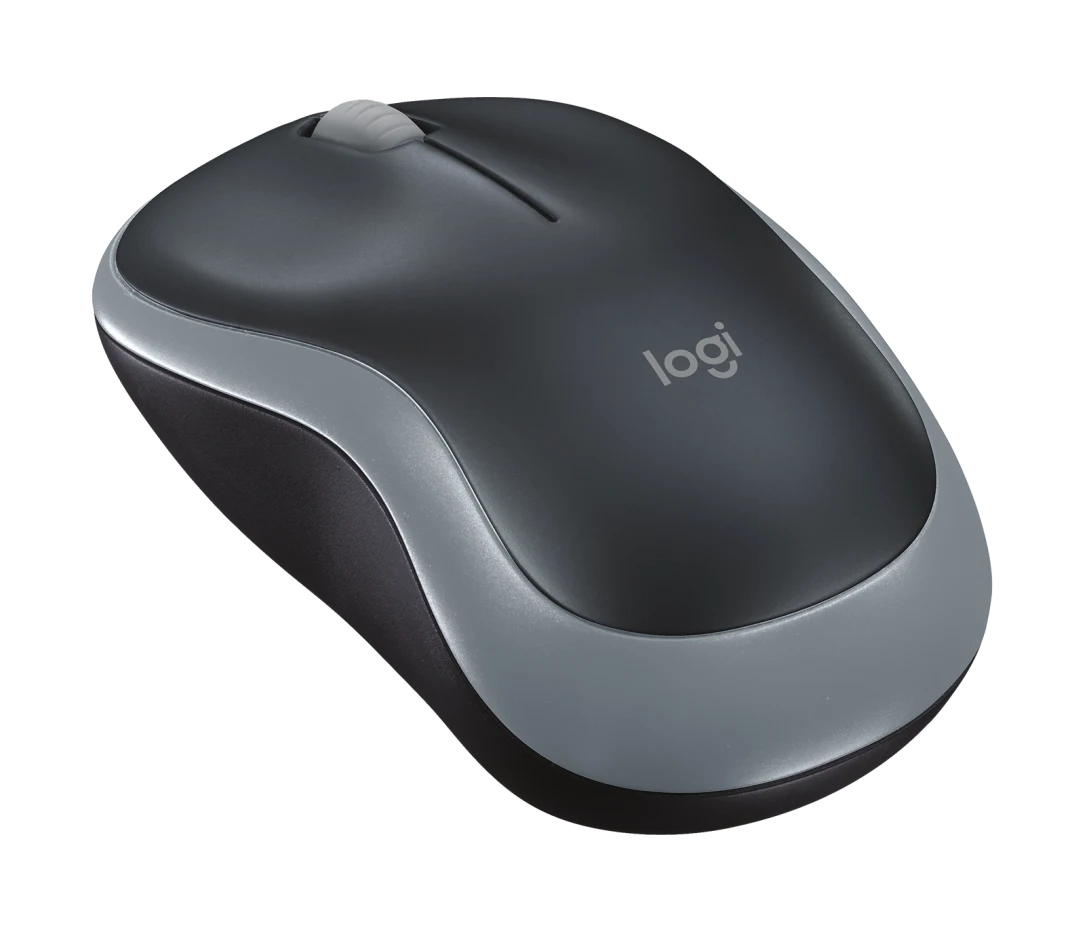






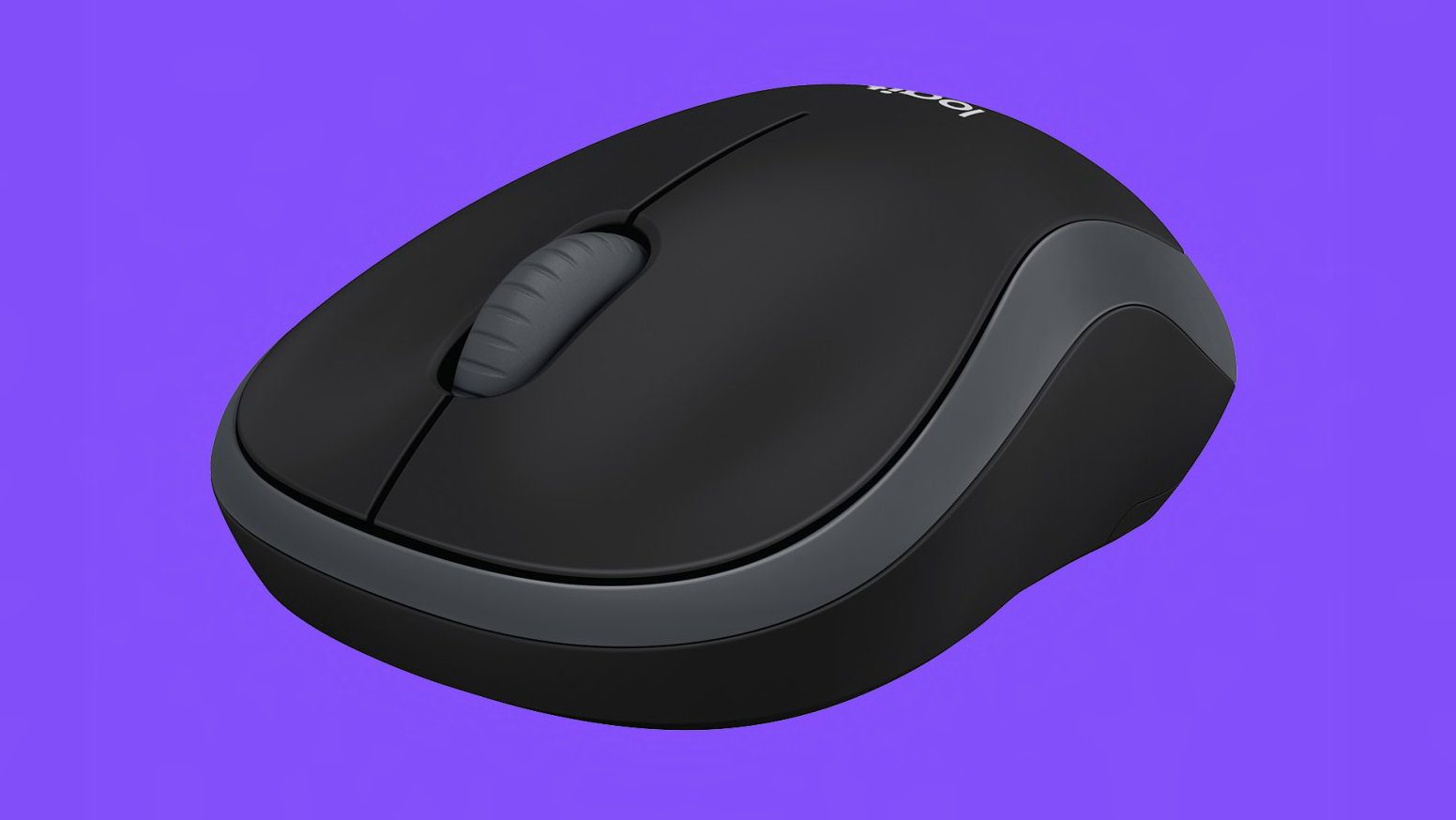
Logitech M185 Wireless USB Mouse
₹649.00
Get the Logitech M185 Wireless USB Mouse from Kharidiye.com at the best price. Best in-class features includes:
| Feature | Specification |
|---|---|
| Connectivity | 2.4 GHz wireless via USB nano-receiver |
| Sensor | Optical, 1000 DPI |
| Buttons | 3 (left, right, middle/scroll) |
| Battery & Range | 1 × AA (up to 12 months), ~10 m |
| Dimensions/Weight | 99 × 60 × 39 mm; 75 g (with battery) |
About the item:
-
Plug‑&‑Play Simplicity – Just insert the nano USB receiver—no drivers or software needed—and start using immediately.
-
Reliable Wireless Performance – Uses 2.4 GHz wireless for strong, lag-free connection up to ~10 m with virtually no dropouts.
-
Long Battery Life – Delivers up to 12 months of usage with one AA battery, thanks to its power-saving on/off switch and auto-sleep mode.
-
Ambidextrous Comfortable Design – Ergonomically contoured for both left- and right-hand users; small and lightweight, ideal for travel and productivity.
-
Universal OS Compatibility – Supports Windows, macOS, ChromeOS, Linux, with optional customization via Logi Options+ on supported systems
Out of stock
About Logitech M185 Wireless USB Mouse
| Category | Details |
|---|---|
| Connectivity | 2.4 GHz wireless; USB nano receiver plugs into any USB port; plug-and‑play—no software needed |
| Sensor | Smooth optical tracking, fixed at 1000 DPI for precise cursor control |
| Buttons & Scrolling | Three buttons (left, right, middle-click scroll wheel), mechanical, line-by-line scrolling |
| Physical Specs | Ambidextrous contoured design; dimensions 99 × 60 × 39 mm; weight ~75.2 g (with AA battery) |
| Battery & Power | One AA battery included; up to 12 months battery life; on/off switch and auto-sleep for power savings |
| Compatibility | Works with Windows 10/11+, macOS 10.5+, ChromeOS, Linux kernel 2.6+; optional Logi Options+ supported |
| Warranty & Sustainability | 3-year limited warranty; made with post-consumer recycled plastic; carbon footprint ~3.97 kg CO₂e |
| Box Contents | Mouse, nano receiver, 1 × AA battery, user documentation |
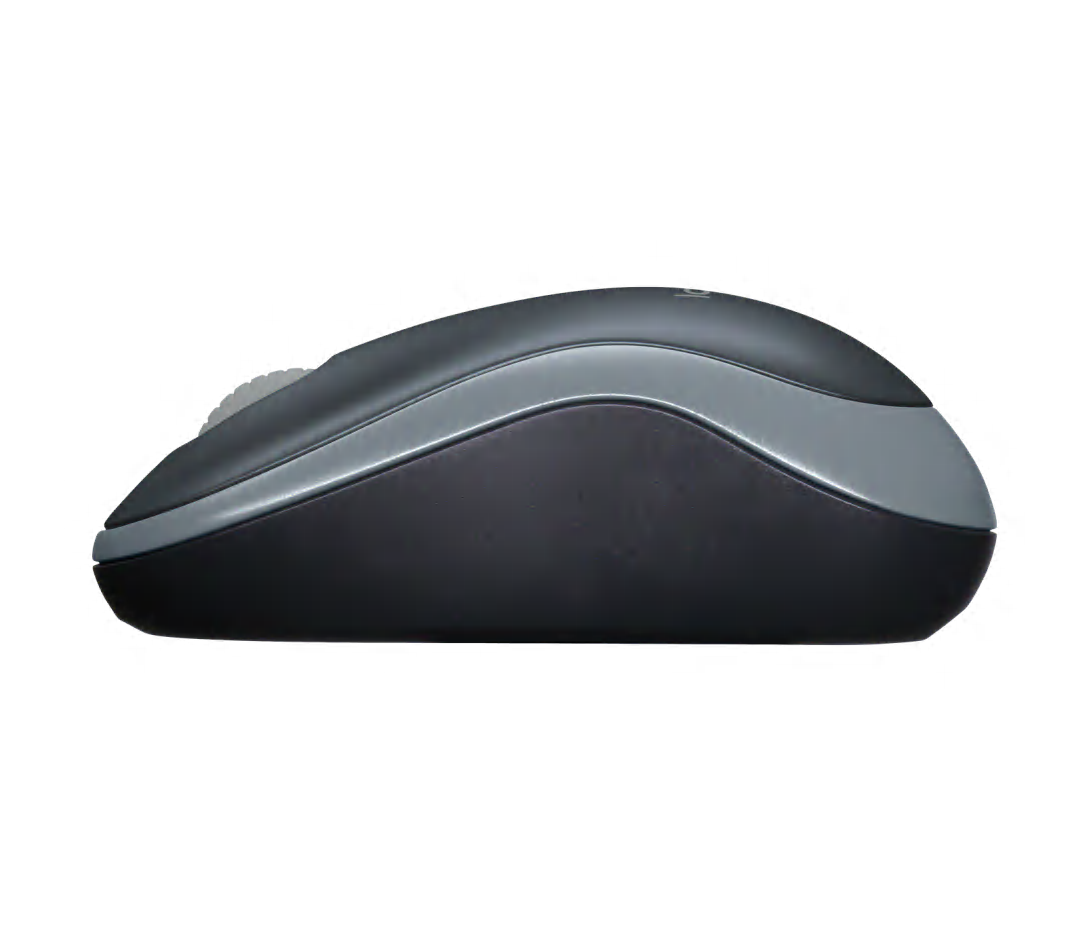
Overview of the Logitech M185 Wireless USB Mouse
-
Reliable wireless simplicity – The Logitech M185 Wireless USB Mouse offers steady 2.4 GHz wireless connectivity through a plug‑and‑play USB nano‑receiver — no software required.
-
Ambidextrous, compact design – Contoured for both left‑ and right‑handed users, its lightweight (≈ 75 g / 2.65 oz) and pocket-sized build makes it ideal for laptops and travel.
Comfortable & Compact Design of the Logitech Wireless Desktop Mouse
-
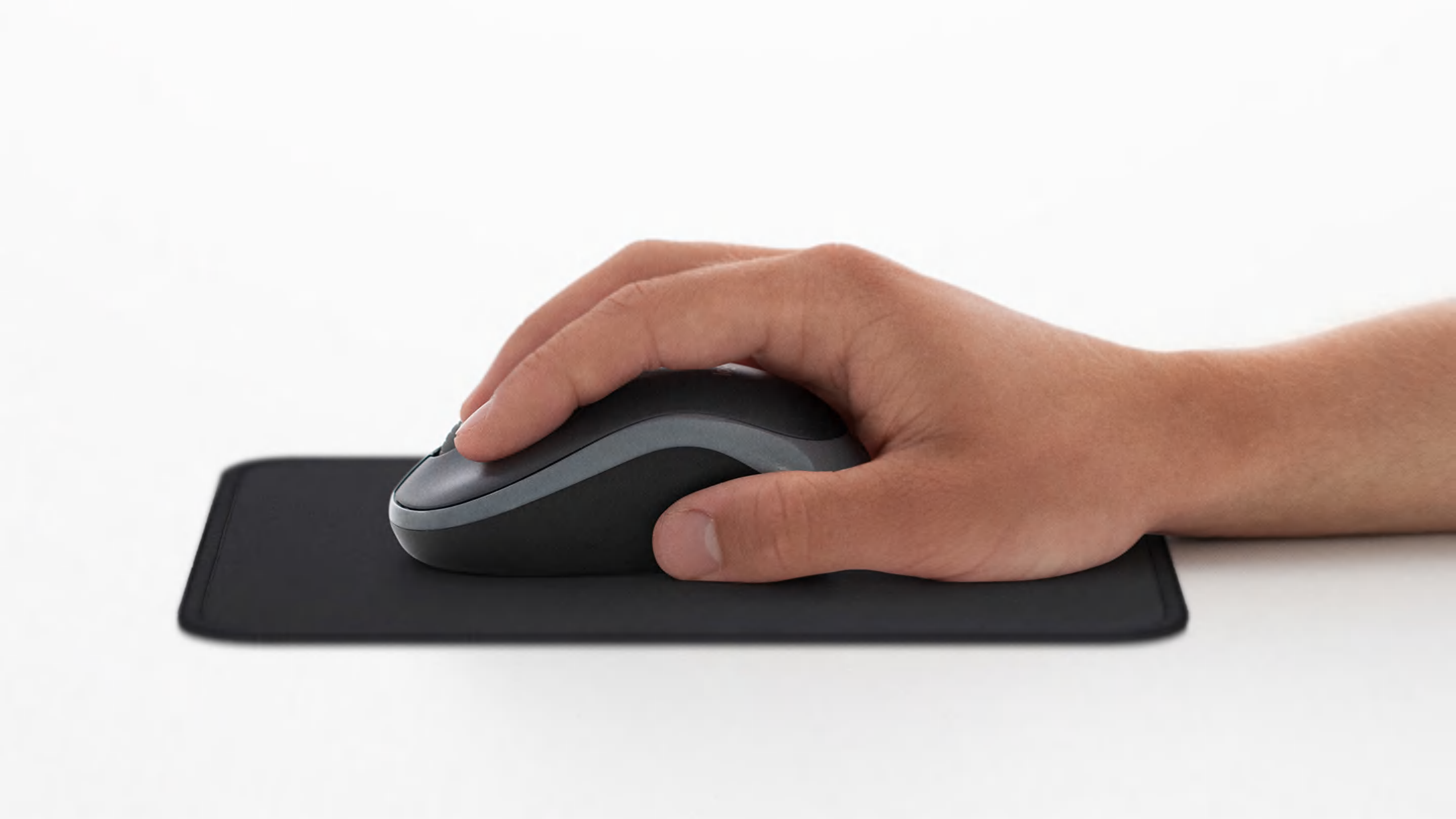
Ergonomic contouring – Built to fit the natural curve of your hand, reducing wrist strain during extended use on either hand .
-
Traveler-friendly size – Measuring 99 × 60 × 39 mm, it slides easily into laptop bags and tight workspaces.
-
Lightweight build – At just 75 g (with battery), it adds minimal bulk, perfect for users on the move.
-
Ambidextrous fit – Symmetrical shape ensures comfortable usage for both left- and right-handed individuals.
Simple Navigation & Precision of the Logitech Compact Wireless Mouse
-
1000 DPI optical sensor – Offers smooth, accurate tracking on most surfaces, suitable for daily productivity.
-
Line-by-line scroll wheel – Designed for precise navigation through documents and webpages, with reassuring mechanical.
-
Tactile buttons – Crisp left/right clicks ensure responsive performance in office, creative, and casual browsing tasks.
Easy–Plug & Play Connectivity of the Logitech Wireless Desktop Mouse
-
Nano USB receiver – Connects instantly via a tiny dongle that can remain plugged into your laptop, avoiding loss.
-
Universal OS support – Works out of the box with Windows, macOS, ChromeOS, and Linux — no driver installation needed .
-
Stable wireless signal – With up to 10 m (33 ft) range, it reliably connects across rooms and desk setups.
-
Auto‑sleep mode plus power switch – Extends battery life and allows manual shut-off to save power.
Durable Quality & Longevity of the Logitech Ergonomic Desktop Mouse
-
Built to last – Manufactured to Logitech’s high standards, it delivers dependable performance day after day.
-
Year-long battery life – A single AA battery (included) can power the mouse up to 12 months, so replacements are infrequent.
-
Smart power management – The on/off switch and auto‑sleep help reduce energy waste and extend usage.
-
Compact receiver storage – Practical slot in the underside stores the receiver, making it travel-safe.
-
3‑year warranty – Backed by Logitech’s reliable support for peace of mind.
Application Benefits of the Logitech M185 Wireless USB Mouse
a) Portable Productivity
-
Great for students, remote workers, and commuters — wireless convenience in a lightweight, travel-ready bundle.
b) Deskspace Efficiency
-
Small form and clutter-free setup ideal for compact home-office arrangements.
c) Plug‑and‑play simplicity
-
Instantly usable without setup hassle, especially in shared or public PCs or for non-tech users.
d) All‑purpose reliability
-
Well-suited for editing, browsing, presentations, and remote desktop tasks — no advanced gaming capabilities, but smooth enough for casual use .
e) Battery freedom
-
Long-lasting and replaceable AA battery avoids reliance on charging cables or internal cells.
Ideal Users & Use Cases of the Logitech Wireless Desktop Mouse
-
Students & on‑the‑go professionals – A portable companion for library, classroom, or coffee shop setups.
-
Home office users – No-frills, reliable pointer for day-to-day document handling and web browsing.
-
Shared computers – Quick to pair, easy to transfer, and compatible across systems.
-
Eco-conscious buyers – Built using recycled materials with optional recycle/dispose responsibly.
Summary Table of the Logitech Wireless Desktop Mouse
| Feature | Benefit |
|---|---|
| Ergonomic, compact form | Comfortable use and easy portability |
| 1000 DPI optical sensor | Smooth, precise control for general tasks |
| Nano USB plug & play | One USB receiver works immediately, stays in place |
| 2.4 GHz wireless, 10 m range | Reliable connectivity across spaces |
| Auto-sleep & power switch | Efficient battery usage, long service life |
| Ambidextrous shaping | Comfortable for both hands — flexible suitability |
| Eco-friendly materials | Reduced environmental footprint |
| 12 months battery life | Minimal upkeep, high value |
| 3‑year warranty | Long-term support from trusted brand |
What makes the Logitech M185 Wireless USB Mouse to be specially unique?
-
Effortless setup – Insert the receiver and it just works—no software, no saga.
-
Ultra-reliable tracking – Optical precision works smoothly across typical surfaces.
-
Durable and ready – No flimsy parts, and it endures with annual battery upkeep.
-
Ideal for everyone – Beginners to pros can connect, use, and forget—until years later.
Logitech M185 Wireless USB Mouse: Worth the Investment?
If you’re searching for a dependable, no-fuss wireless mouse that travels well, fits comfortably, and requires minimal maintenance, the Logitech M185 Wireless USB Mouse is a top-tier pick.
It emphasizes simplicity, comfort, and longevity—without overcomplicating things.
It’s not for power gamers or feature seekers—but for the everyday user, it’s an efficient, eco-aware, and durable companion.
Plug in, navigate freely, and work with confidence—no extras, just essentials done right.


Related products
Cosmic Byte Kilonova 3389IC RGB Wired Gaming Mouse , Pixart 3389 Sensor, 73grams, Adjustable Weights, Paracord Cable, Replaceable Top Cover and Side Buttons
| Feature | Details |
|---|---|
| Model | Kilonova 3325IC |
| Sensor | PixArt PMW3325 Optical |
| DPI Range | 200 – 10,000 DPI |
| Polling Rate | 125Hz – 1000Hz |
| Buttons | 9 (7 Programmable) |
| Switches | Huano 20M |
| Weight | 73g (Adjustable with 12x1.5g weights) |
| Cable | 1.8m Paracord |
| Feet | PTFE (0.45mm thickness) |
| Lighting | Spectra RGB |
| Software | Windows-compatible customization |
| Compatibility | Windows 8 and above |
| Warranty | 1 Year Manufacturer Warranty |
-
Ambidextrous Design: Symmetrical shape suitable for both right and left-handed users, ensuring comfort for various grip styles.
-
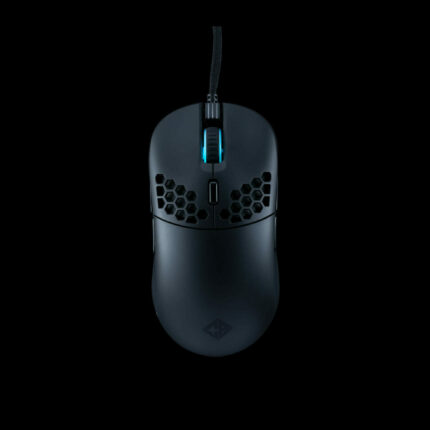
Lightweight Honeycomb Structure: At just 73 grams, the multi-hole honeycomb design facilitates swift movements and reduces fatigue during extended gaming sessions.
-
High-Precision Sensor: Equipped with the PixArt PMW3325 optical sensor, offering a wide DPI range from 200 to 10,000, allowing for precise tracking and responsiveness tailored to your gaming needs.
-
Customizable Weight System: Includes 12 additional weights of 1.5 grams each, enabling users to adjust the mouse's weight to their preference for optimal control.
-
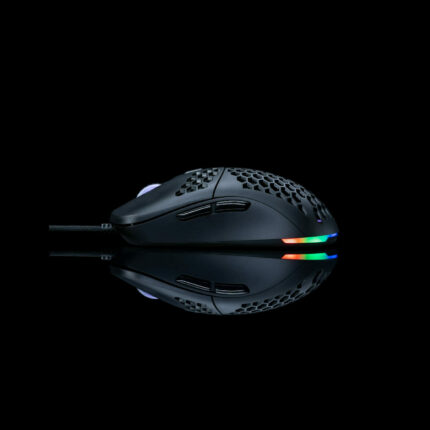
Spectra RGB Lighting: Personalize your gaming setup with customizable RGB lighting effects, enhancing the aesthetic appeal of your workspace.


Cosmic Byte Pulse Wired Gaming Mouse, 40 gm Lightweight, 1000 Hz Polling rate,Pixart 3327 Sensor,200-12400 DPI
| Feature | Details |
|---|---|
| Model | Pulse |
| Sensor | Pixart 3327 Optical |
| DPI Range | 200 – 12,400 DPI |
| Polling Rate | 1000Hz |
| Buttons | 6 (Programmable) |
| Switches | 20 Million Clicks Lifespan |
| Weight | 40g |
| Cable | Paracord (Lightweight & Flexible) |
| Feet | PTFE |
| Lighting | Customizable RGB |
| Software | Windows-compatible customization |
| Compatibility | Windows OS |
| Warranty | 1 Year Manufacturer Warranty |
-
Ultra-Lightweight Design: Weighing just 40 grams, the Pulse ensures swift and effortless movements, reducing fatigue during extended gaming sessions.
-
High-Precision Sensor: Equipped with the Pixart 3327 optical sensor, offering a wide DPI range from 200 to 12,400, allowing for precise tracking and responsiveness tailored to your gaming needs.
-
Durable Switches: Features switches rated for 20 million clicks, ensuring longevity and consistent performance over time.
-
Flexible Paracord Cable: The lightweight and flexible paracord cable provides a near-wireless experience, minimizing drag and enhancing maneuverability.
-
Customizable RGB Lighting: Personalize your gaming setup with customizable RGB lighting, allowing you to match the lighting effects with your gaming rig or personal aesthetic.
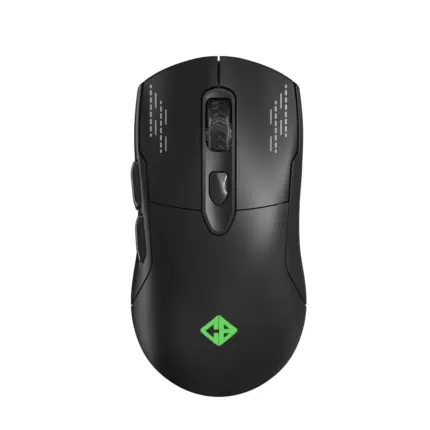

Cosmic Byte Raptor Dual Mode Wireless + Wired Gaming Mouse
| Feature | Details |
|---|---|
| Model | Raptor Dual Mode |
| Sensor | Pixart 3212 Optical |
| DPI Range | Up to 4800 DPI |
| Polling Rate | 500Hz |
| Buttons | 6 (10 Million Clicks Lifespan) |
| Connectivity | Wired & Wireless (Dual Mode) |
| Lighting | RGB with 11 Effects |
| Cable | Braided USB |
| Feet | PTFE |
| Weight | 96g |
| Compatibility | Windows OS |
| Warranty | 1 Year Manufacturer Warranty |
-
Dual Connectivity Modes: Seamlessly switch between wired and wireless modes, offering flexibility for both gaming and everyday use.
-
Precision Tracking: Equipped with the Pixart 3212 optical sensor, providing up to 4800 DPI for accurate and responsive tracking during intense gaming sessions.
-
Durable Build: Features switches rated for 10 million clicks, ensuring longevity and consistent performance over time.
-
Customizable RGB Lighting: Personalize your gaming setup with 11 different RGB lighting effects, enhancing the aesthetic appeal of your workspace.
-
Ergonomic Design: Designed for comfort, the mouse's shape and lightweight build reduce strain during prolonged gaming sessions.

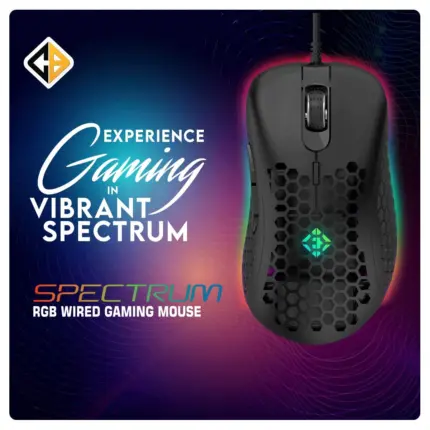
Cosmic Byte Spectrum, RGB Honeycomb Gaming Mouse,1000Hz Polling Rate,6 Buttons,Customizable DPI
| Feature | Details |
|---|---|
| Model | Spectrum RGB |
| Color | Black |
| Sensor | Instant 825 Optical Sensor |
| DPI Range | 200 – 12,800 (adjustable via software) |
| Polling Rate | 1000Hz |
| Buttons | 6 (Programmable) |
| Switches | Huano (10 million clicks lifespan) |
| Cable | 1.5m Braided USB |
| Lighting | RGB LED |
| Weight | 66 grams |
| Dimensions | 15 x 12 x 6 cm |
| Compatibility | Windows OS |
| Warranty | 1 Year Manufacturer Warranty |
-
High-Precision Sensor: Equipped with the Instant 825 Optical Sensor, the mouse offers adjustable DPI settings ranging from 200 to 12,800, allowing for precise tracking and responsiveness tailored to various gaming scenarios.
-
Ultra-Responsive Polling Rate: With a 1000Hz polling rate, the mouse ensures instantaneous and accurate cursor movements, providing a competitive edge in fast-paced gaming environments.
-
Durable Huano Switches: The inclusion of Huano mechanical switches rated for 10 million clicks ensures longevity and consistent performance, even during intense gaming sessions.
-
Customizable RGB Lighting: The RGB LED lighting can be personalized through the dedicated software, allowing users to match the mouse's aesthetics with their gaming setup.
-
Ergonomic and Lightweight Design: Weighing only 66 grams and featuring a honeycomb design, the mouse offers comfort and swift movements, reducing fatigue during extended gaming periods.
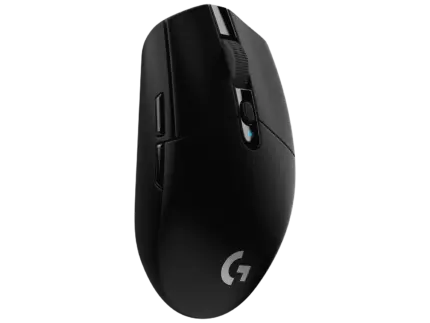
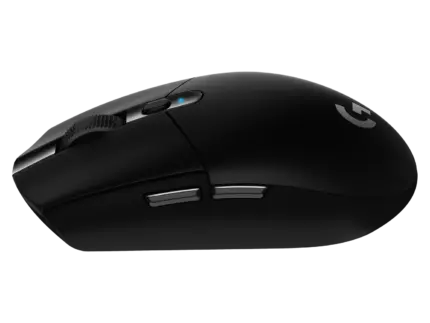
Logitech G304 Lightspeed Wireless Gaming Mouse, Hero Sensor, 12,000 DPI, Lightweight, 6 Programmable Buttons, 250h Battery Life, On-Board Memory, Compatible with PC/Mac – Black
| Feature | Specification |
|---|---|
| Sensor | HERO (200–12,000 DPI) |
| Wireless | LIGHTSPEED, 1 ms report rate |
| Buttons | 6 programmable |
| Weight | 99 g (with AA battery) |
| Battery Life | Up to 250 hours (one AA) |
-
HERO Sensor – High-Performance Optical Tracking
-
Delivers precision from 200 to 12,000 DPI with zero smoothing, filtering, or acceleration, and tracking speeds up to 400 IPS and 40 G acceleration.
-
Impressively 10× more power-efficient than Logitech’s previous sensors, enabling extended battery life without compromising accuracy.
-
-
LIGHTSPEED Wireless – Pro-Grade, Ultra-Low Latency
-
Offers 1 ms report rate, essentially delivering wired-level responsiveness that’s optimized across the sensor, firmware, and antenna.
-
Robust wireless performance—no dropouts or lag during intense gaming sessions.
-
-
Long-Lasting Battery Life & Dual Modes
-
Up to 250 hours of gameplay on a single AA battery in Performance Mode.
-
Optionally switch to Endurance Mode in Logitech G HUB to reach 9 months of battery life with negligible latency impact.
-
Built-in low-battery alert triggers at 15%, keeping you informed ahead of time.
-
-
Lightweight, Compact, and Travel-Friendly Design
-
Weighing just 99 g (including AA battery), the G304 offers agility without bulk.
-
Compact dimensions (116.6 × 62.2 × 38.2 mm) tucked into a sturdy shell with built-in nano receiver storage—ideal for on-the-go gaming.
-
Durable PTFE feet rated for over 250 km of smooth, consistent glide.
-
-
Six Programmable Buttons with Mechanical Tensioning
-
Contains 6 high-durability buttons (rated for 10 million clicks on the primary buttons), including middle-click, DPI switch, and two side buttons—all fully customizable via G HUB.
-
Mechanical button tensioning enhances click responsiveness and consistency, reducing fatigue during long sessions
-
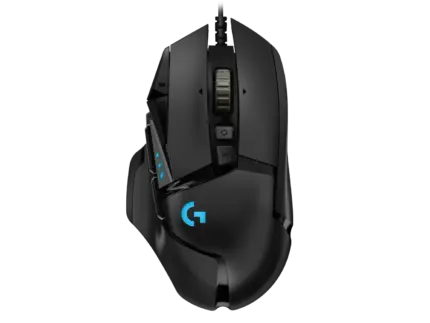
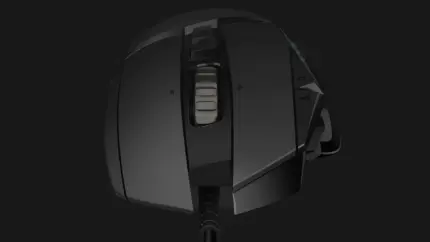
Logitech G502 Hero High Performance Wired Gaming Mouse, Hero 25K Sensor, 25,600 DPI, RGB, Adjustable Weights, 11 Programmable Buttons, On-Board Memory, PC/Mac – Black
| Feature | Specification |
|---|---|
| Sensor | HERO 25K optical (100–25,600 DPI) |
| Connection | Wired USB‑A |
| Buttons | 11 programmable |
| Weight | 121 g (mouse only); up to +18 g optional |
| Cable | 2.1 m braided |
-
HERO 25K Sensor – Pro-Level Precision
Offers 100–25,600 DPI, 400 IPS, 40 G, and eliminates smoothing/filtering for pixel-perfect accuracy. -
Customizable Weight & Balance
Swap in up to five 3.6 g weights to fine-tune the mouse’s feel and responsiveness—tailor it to your grip and style. -
Dual-Mode Scroll Wheel
Quickly switch between hyper-fast free-spin scroll and precise click-to-click mode, with left/right tilt functions—ideal for gaming and productivity. -
11 Programmable Buttons with Sniper Mode
Assign macros, DPI shifts, and game commands across 11 buttons, including a dedicated sniper button and profile switch—enhances in-game adaptability -
Crisp Metal-Spring Tensioning & LIGHTSYNC RGB
Metal spring tensioned L/R buttons ensure fast, tactile clicks; customizable RGB lighting syncs with game events and system effects
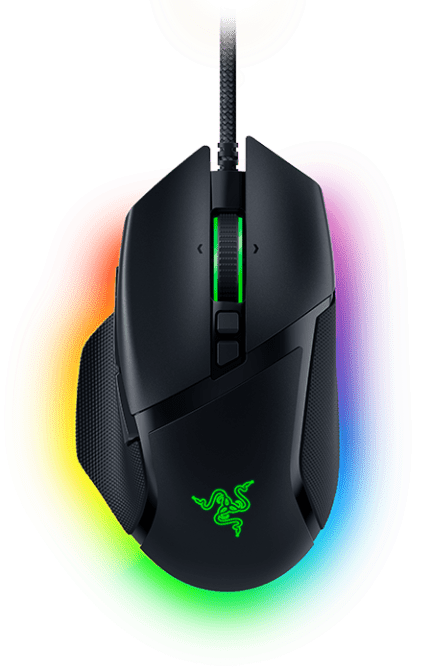

Razer Basilisk V3 Wired Gaming RGB Mouse
| Brand | Razer |
| Colour | Black |
| Connectivity Technology | wired |
| Special Feature | Ergonomic Design |
| Movement Detection Technology | Optical |
- Ergonomic Design: Features a customizable scroll wheel resistance and a thumb rest for enhanced comfort and control during extended gaming sessions.
- Advanced Sensor: Equipped with the Razer Focus+ 26K DPI Optical Sensor for precise and accurate tracking, making it ideal for competitive gaming.
- RGB Lighting: Comes with Razer Chroma™ RGB lighting, offering 11 customizable lighting zones for personalized aesthetics.
- Programmable Buttons: Includes 11 programmable buttons, allowing users to assign macros and secondary functions for a more tailored gaming experience.
- Durability: Built with high-quality materials and switches rated for up to 70 million clicks, ensuring long-lasting performance.
- HyperScroll Tilt Wheel: Provides a smooth scrolling experience with the ability to switch between tactile and free-spin modes for different gaming scenarios.
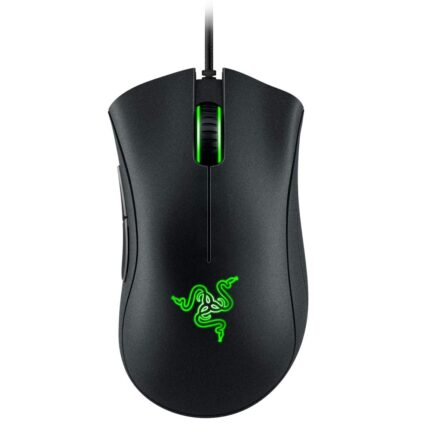
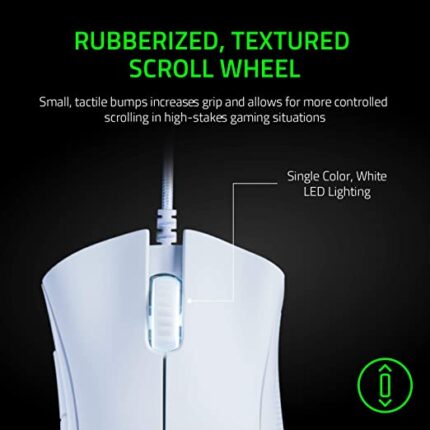
Razer DeathAdder Essential
| Brand | Razer |
| Colour | Black |
| Connectivity Technology | USB |
| Special Feature | Ergonomic Design |
| Movement Detection Technology | Optical |
- Proven history of performance
- True 6,400 dpi optical sensor for fast and precise swipes
- Classic ergonomic form factor
- Distinctive shape designed for extended hours of gaming
- Multi-award winning technology
- 5 hype response buttons durable up to 10 million clicks
- Country of Origin: China

Reviews
There are no reviews yet.